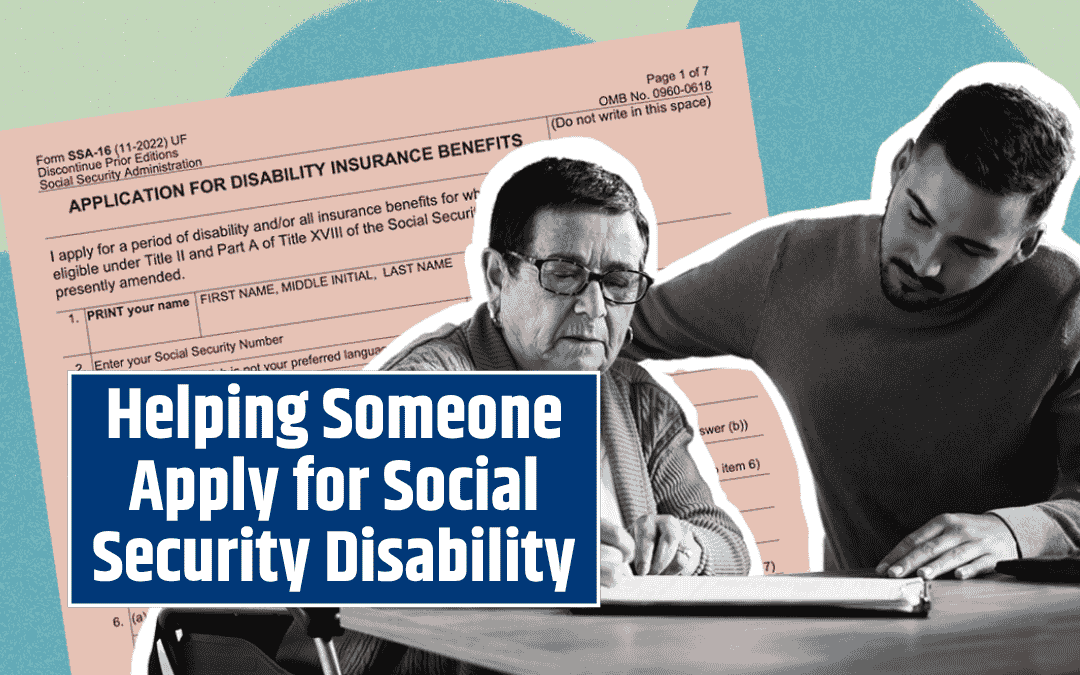
Applying for Social Security Disability benefits can be overwhelming, especially for someone dealing with a serious medical condition. If you know someone who needs help, you can make a big difference by guiding them through the online application process. These five simple steps will help you assist them confidently and effectively.
Step 1: Learn About the Two Disability Programs
Before you begin, it’s important to understand the two main Social Security disability programs.
Social Security Disability Insurance (SSDI) is based on a person’s work history and earnings. Individuals who have worked and paid Social Security taxes long enough may qualify if they become unable to work due to a disability.
Supplemental Security Income (SSI), on the other hand, is designed for adults and children with disabilities or blindness, as well as people aged 65 and older who have limited income and resources.
Both programs share the same definition of disability: the person must have a medical condition that prevents them from working and is expected to last at least one year or result in death. Understanding which program applies is the first step toward a successful application.
Step 2: Create or Review a my Social Security Account
Encourage the person you’re helping to log in to their my Social Security account. If they don’t have one, you can assist them in setting it up—but they must create it themselves.
Through their account, they can check if they’re eligible for SSDI benefits and review their Social Security Statement to estimate potential benefit amounts based on their work record. Having this information ready will help ensure the application goes smoothly and accurately reflects their situation.
Step 3: Prepare With the Disability Starter Kit
Preparation is key. Before starting the application, review and print the adult Disability Starter Kit from the Social Security Administration’s website.
This kit includes a checklist and worksheet that outline the information and documents needed—such as medical records, employment history, and financial details. Having everything organized beforehand helps avoid delays and ensures the application is complete when submitted.
Step 4: Watch the Online Video Series
Social Security offers an online video series that walks you through the disability application process. These short, informative videos explain how third parties can help with applications and what forms are required.
Taking a few minutes to watch these videos can help you and the person you’re assisting feel more confident. You’ll better understand what to expect, how to answer key questions, and what steps follow after submitting the application.
Step 5: Submit the Application Online
Once you’re ready, you can complete the disability application online. The system is designed for convenience—it allows users to start, stop, and resume the process at any time.
Adults can apply for SSDI, SSI, or sometimes both using the same application. Before starting, you’ll need to answer one important question: Who is completing the application?
If you’re helping someone in person, select “I am applying for myself.” This allows them to electronically sign the application if they have a my Social Security account.
If you’re helping someone who is not with you, choose “I am helping someone who is not with me.” In this case, the application and medical release form (SSA-827) will be sent to the applicant for signature. They can mail the signed forms or drop them off at a local Social Security office. Without these forms, the application cannot be processed.
What Happens After Submitting the Application
After submission, Social Security will review the application to ensure it meets the basic requirements. If everything is in order, the case is forwarded to the State Disability Determination Services, where medical experts evaluate the claim.
The review process usually takes about six to eight months. During this time, you can help the applicant check their application status online to avoid the need for phone calls or office visits.
Once a decision is made, Social Security will mail a letter to the applicant explaining whether the claim was approved or denied. If the applicant disagrees with the outcome, they have the right to appeal online, and you can help them through that process as well.
Share the Knowledge
Helping someone apply for disability benefits is an act of kindness that can change their life. Many people find the process intimidating, but with your support and a clear understanding of the steps, it becomes much more manageable.
Spread the word—share these five steps with friends, family, or social media communities. The more people who know how to help, the more individuals can access the benefits they deserve.
Navigating Social Security Disability programs doesn’t have to be complicated. With preparation, patience, and the right resources, you can guide someone through the process and help them secure essential financial support during a challenging time.
FAQs
Who can apply for Social Security Disability benefits?
Anyone with a medical condition that prevents them from working and is expected to last at least one year or result in death can apply. Eligibility depends on work history for SSDI, while SSI is based on limited income and resources.
Can I help someone apply for disability benefits online?
Yes. You can assist someone with the online application, either while they are present or remotely. However, you cannot create their my Social Security account for them. The applicant must review and sign the forms personally.
What documents are needed for the disability application?
Applicants should prepare medical records, doctor contact information, employment history, and proof of income or resources. The Disability Starter Kit provides a complete checklist to make preparation easier.
How long does it take to receive a decision after applying?
The Social Security Administration typically takes six to eight months to review a disability application. The case is evaluated by State Disability Determination Services, and the applicant is notified by mail once a decision is made.
What can I do if the application is denied?
If an application is denied, the applicant can file an appeal online. It’s important to review the denial letter carefully and provide any additional medical or employment information requested during the appeal process.